Using the File Browser
The file browser is your main place for managing documents in OfficeDocs. You can use it to move through folders, locate files, and perform common file actions.
Accessing the File Browser
- Log in to your account.
- Open the Files module.
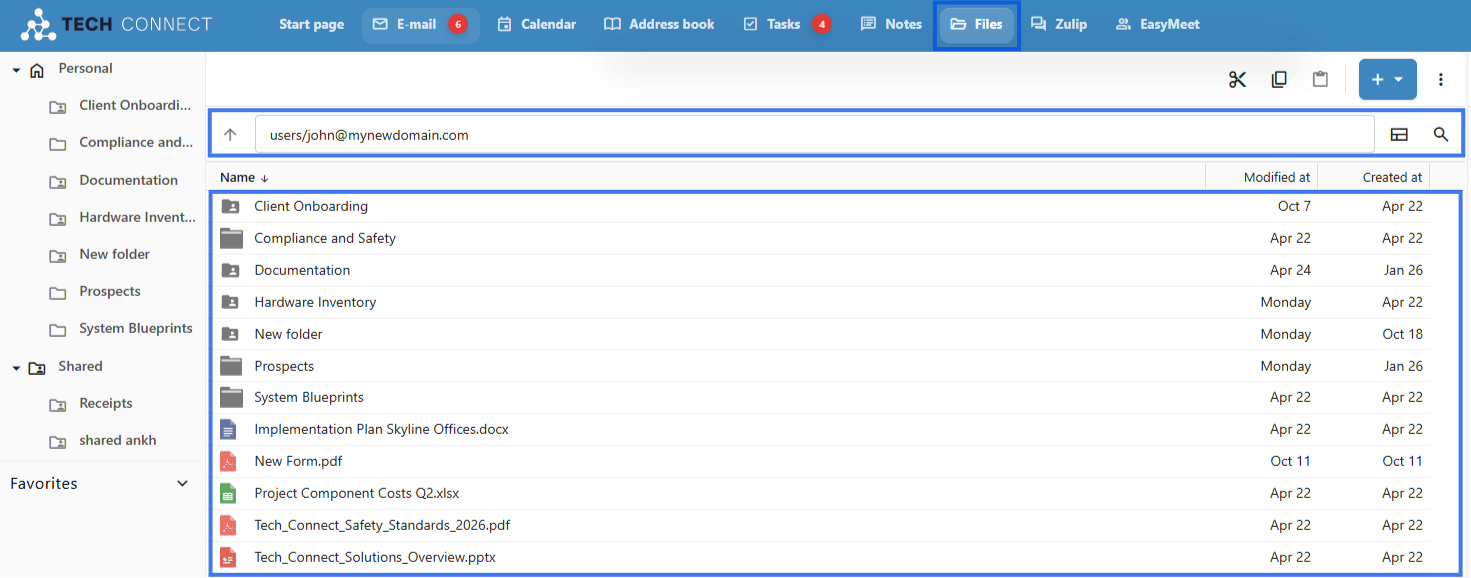
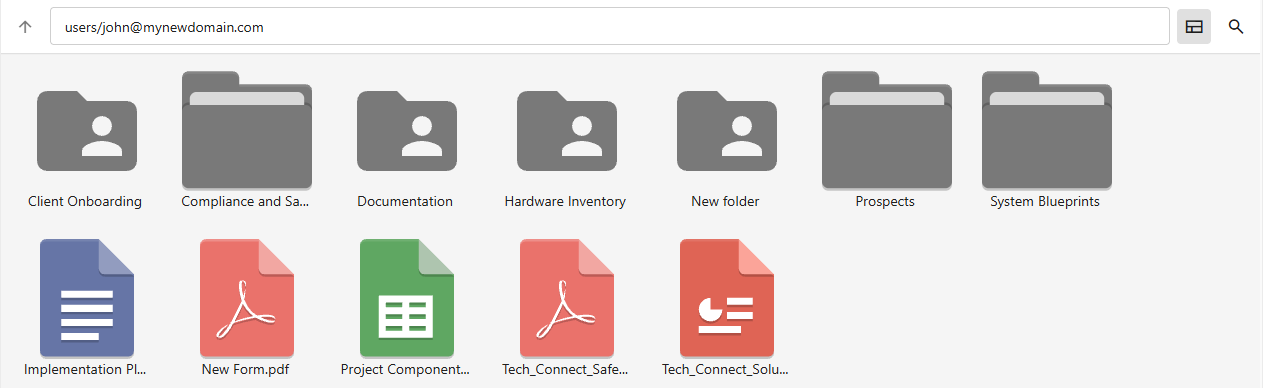
- Your files and folders are displayed in the file browser.
File Browser Interface
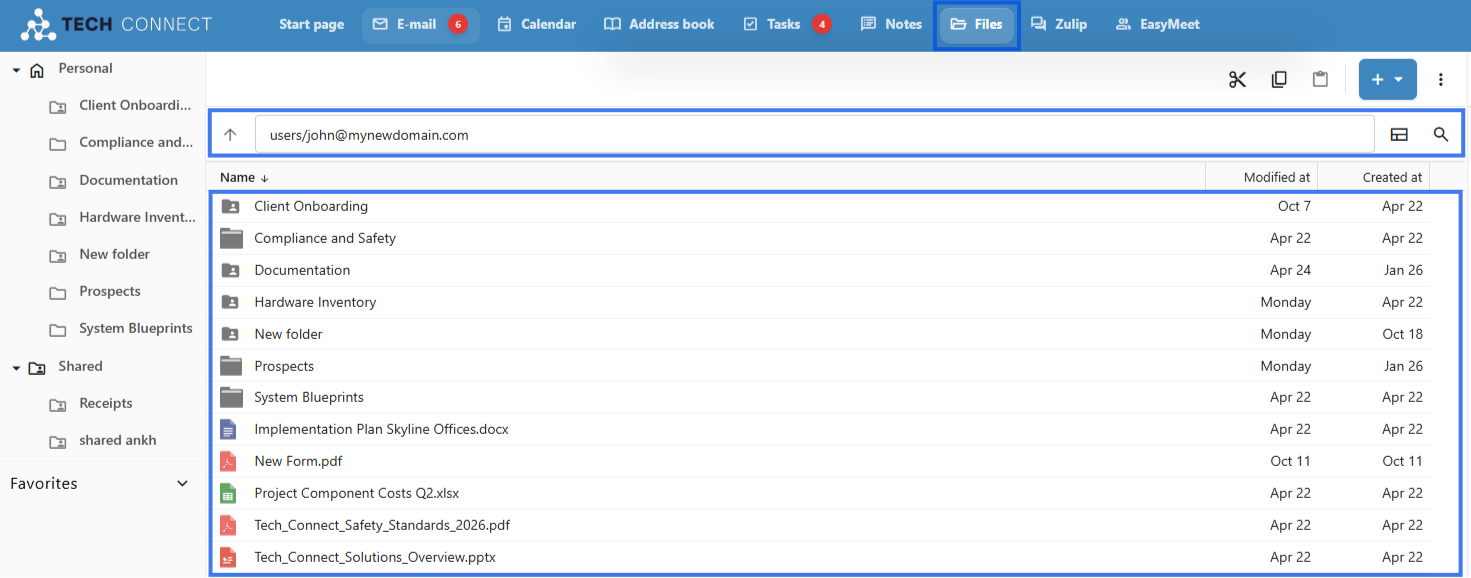
- Navigation Panel — Shows folders and quick-access areas
- File List — Displays the files in the current location
- Toolbar — Provides actions and view options
- Breadcrumb — Shows your current path and helps you move back to earlier folders
- Click a folder to open it
- Use the breadcrumb to move back up through locations
- Use the navigation panel for quick jumps to other areas
- Double-click a file to open it
View Options
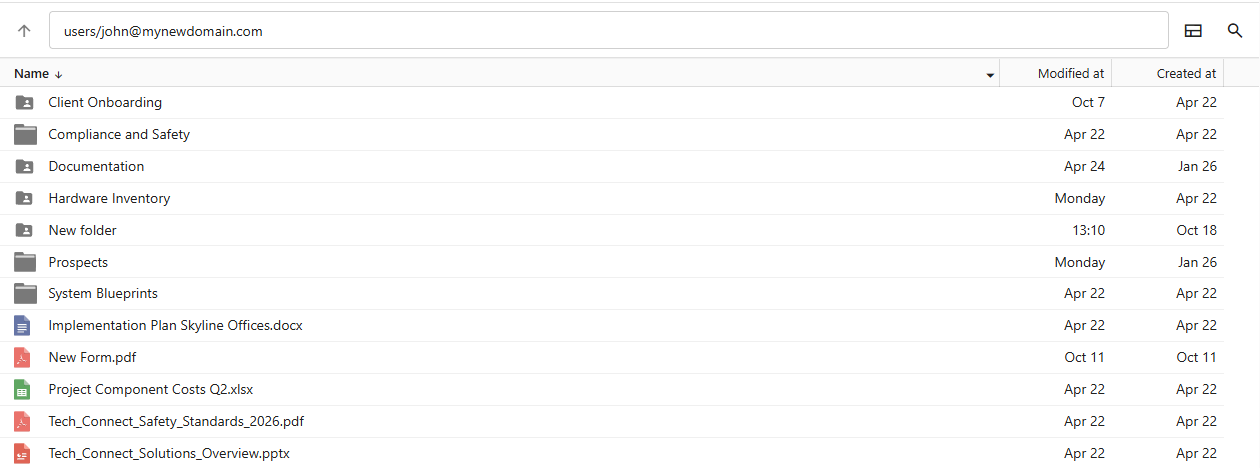
List View
- Files appear in rows with details
- Useful when you want to see file information more clearly
Grid View
- Files appear as thumbnails
- Useful for more visual browsing
Quick Access Areas
- Personal — Your personal files
- Shared — Files shared by other users
File Actions
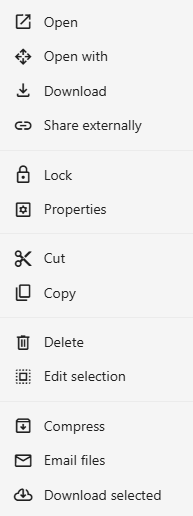
Right-click a file to access actions such as:
Searching
- Use the search box.
- Type a file name or keyword.
- Results appear as you type.
- Click a result to open its location or access the file.

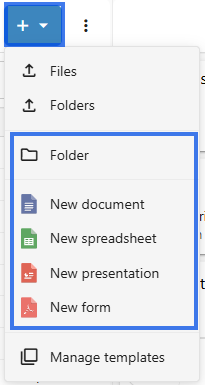
Creating New Items