Super Settings
Update Your Super Panel Recovery Email
Your recovery email is essential for maintaining access to your Super Panel account if you ever forget your password. You can update this address at any time from within your Super Panel dashboard.
Ensure Continuous Access: Verify that you have a recovery email address on file and that you maintain consistent, long-term access to it. Remember to keep the subscription for your recovery email active and ensure any associated domain names are renewed on time.
Steps to change your recovery email
-
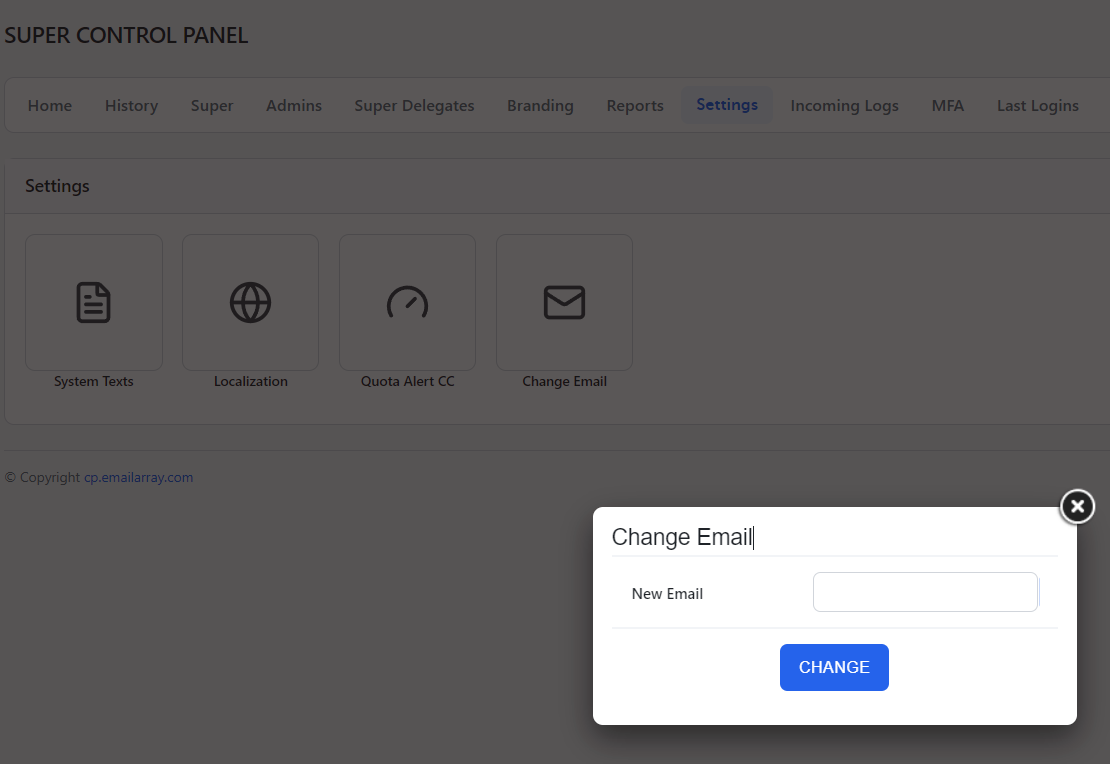
Access Settings: From the Super Panel, in the main navigation menu, click on the Settings tab.
-
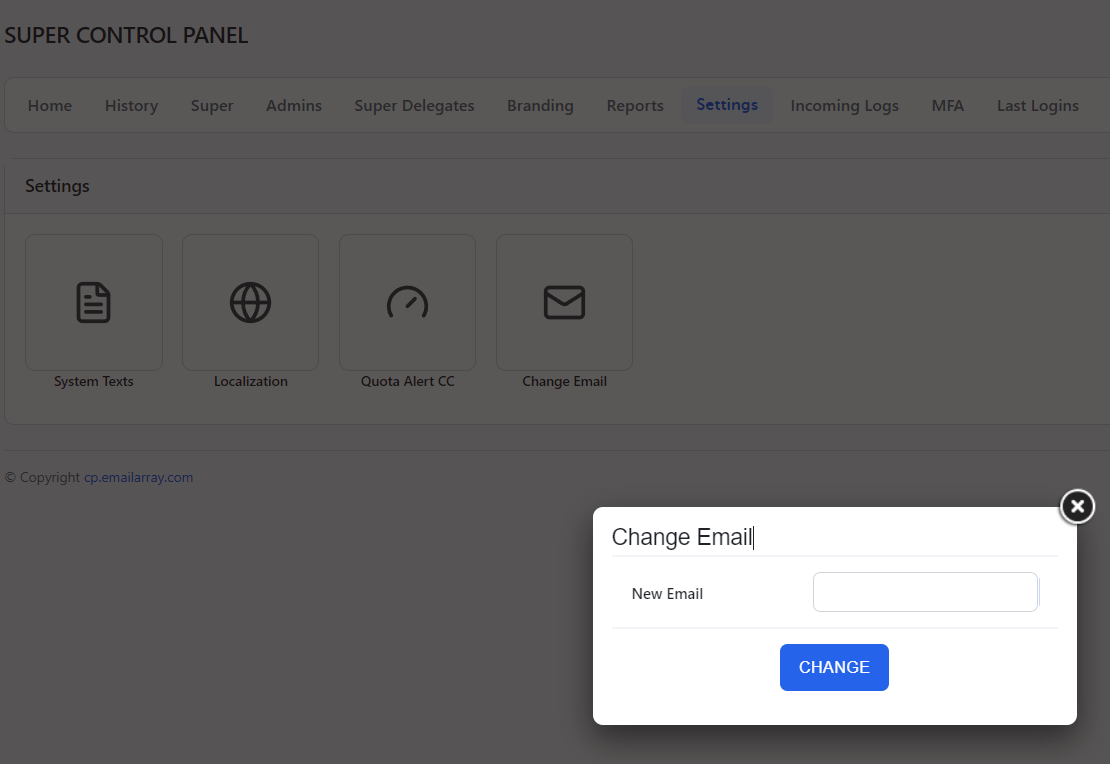
Open the email update tool: Locate the Change Email icon and click on it.
-
Enter your new address: In the Change Email pop-up window, type your preferred email into the New Email field.
-
Save your changes: Click the blue CHANGE button to update your account settings.